






6. Create long
strong complex passwords
By using passphrases or strong passwords you can protect your devices and information from cyber-criminals.
Many Irish SMEs face cyber-attacks because of poor password usage behaviour. For example, re-using the same password on multiple accounts. One of the most common mistakes is not changing the manufacturers’ default passwords that smartphones, laptops, and other types of equipment are issued with. Change all default passwords before devices are distributed to staff. You can use both password managers and passphrases to create strong passwords.

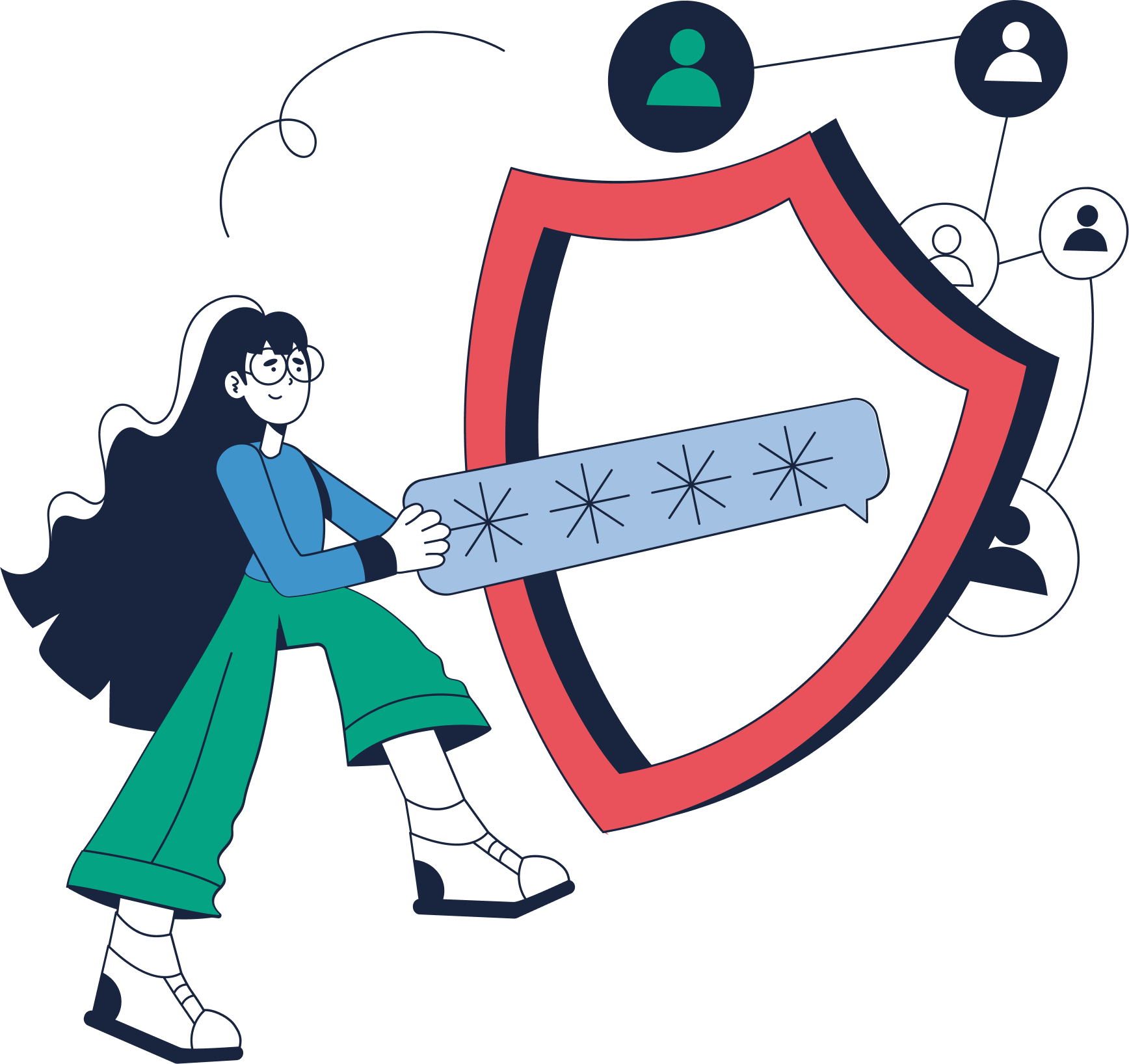
Watch our explainer video to learn how to Create strong complex passwords
Some suggestions for creating strong complex passwords
- Passwords should be at least 12 characters in length.
- Consider using passphrases; these are easier to remember and help in creating longer more complex passwords.
- Use random and unrelated words. The greater the complexity the better.
- Use words that do not appear in the dictionary.
- Use words from different languages.
- Use a combination of random numerical and special characters throughout the passphrase.
- Do not use common phrases or quotes.
- Do not use personal words like family names, pets, local football club or anything associated with your personal life.
- Do not use words or abbreviations associated with your organisation or industry.
- Consider using a password manager.
- Do not reuse passwords across multiple accounts.